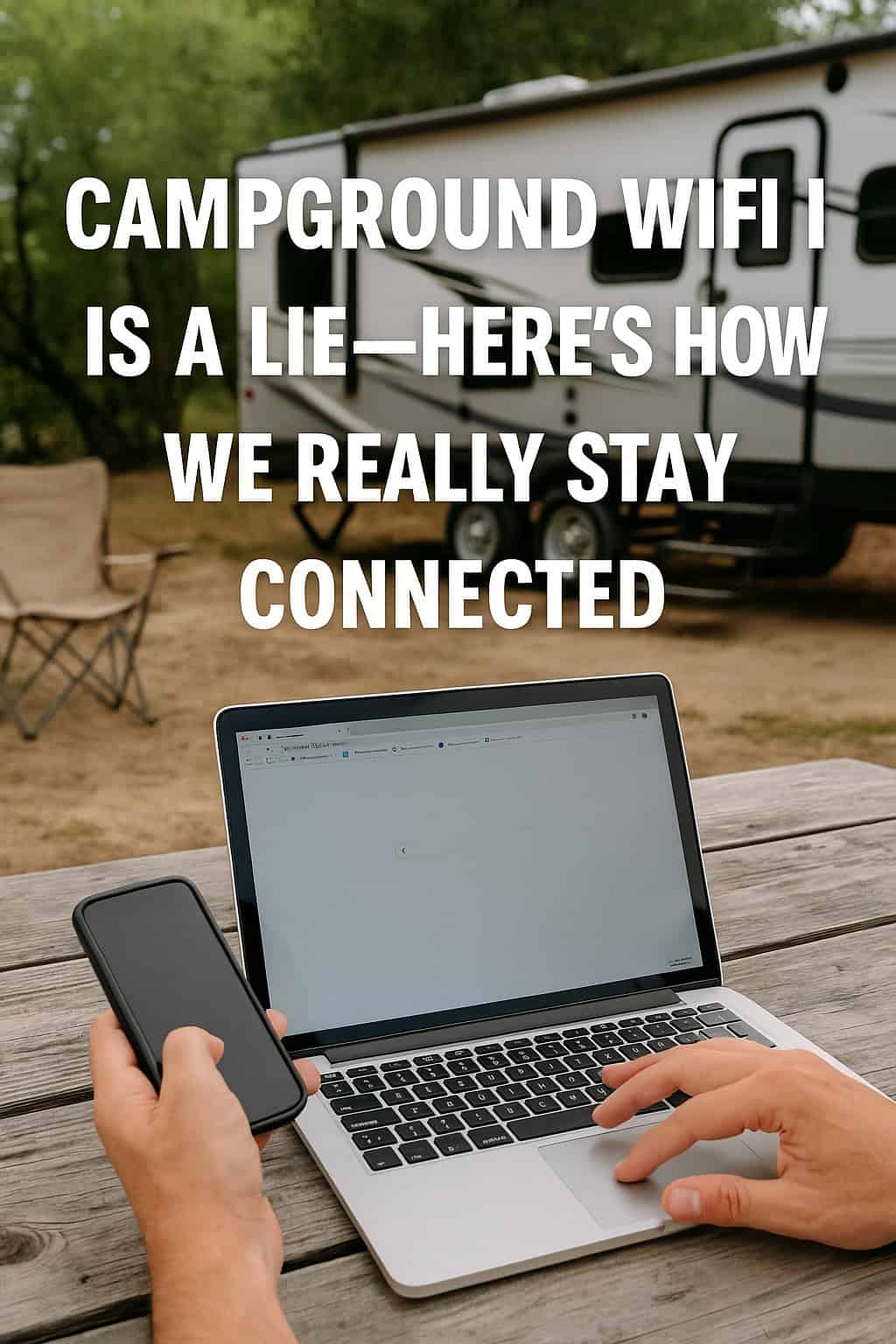
Because “free WiFi” should come with a warning label.
You pull into your site.
You level. You hook up. You spot the glorious “WiFi Available!” sign near the office.
You connect, load your email and—
...spinning. Spinning. Crash. Retry. Nothing.
Welcome to the most common myth in RV life:
Campground WiFi will keep you connected.
Reality? It barely keeps the weather app alive.
So if you work from the road, stream Netflix, scroll social media, or just want to upload one photo of your dog by the lake—here’s how RVers really stay connected when campground WiFi is more dream than download.
📡 1. The Problem With Campground WiFi
Let’s call it what it is: shared, overloaded, and often powered by hopes and smoke signals.
Why it fails:
-
Everyone logs on at once (think dinner time doom-scroll)
-
Bandwidth gets throttled or cut altogether
-
Signal only reaches a few golden spots near the office
-
Streaming? Uploading? Forget it.
🎯 Rule of thumb: If it’s “free,” it’s slow. If it’s “premium,” it’s still shared.
📶 2. The Real MVP: Cellular Data
If staying connected is critical (or you just like your podcasts uninterrupted), cellular is king.
📱 Your phone’s hotspot:
Perfect for casual browsing, email, and occasional streaming.
-
Pros: Simple, fast if the signal’s good
-
Cons: Eats your data plan faster than s’mores disappear at a kids’ table
📶 Dedicated hotspot (MiFi, Jetpack, etc.):
Worth it if you work on the road or need reliable coverage.
-
Use a data-only SIM from Verizon, AT&T, or T-Mobile
-
Position near a window or outside for better signal
-
Some can connect to external antennas or boosters
🎯 Pro tip: Have SIMs from multiple carriers—one may shine where the others fail.
📡 3. Signal Boosters: Snake Oil or Sanity Saver?
A good booster won’t make a nonexistent signal magical—but it can take 1 bar to 3, which is often the difference between “frozen Zoom face” and smooth sailing.
Types:
-
Cell signal boosters: Amplify weak cellular
-
WiFi extenders: Help you catch campground WiFi from your site (if it exists)
-
Router/antenna setups: Combine everything into one epic rig-friendly network
🎯 Setup takes effort, but it’s way better than balancing your phone on the roof with a selfie stick.
🧠 4. Know Before You Go
Before you commit to a site or plan to work remotely:
-
Check coverage maps (OpenSignal, Carrier websites)
-
Use Campground Views to preview site layout (trees block signals too!)
-
Ask fellow RVers about real-world connectivity at that park
🎯 Campground reviews lie less than their WiFi ads do.
💬 Final Thoughts
Yes, “Campground WiFi” exists.
So do unicorns, probably.
But if staying connected matters to your plans, your job, or your sanity—you need a backup (or two).
So build your tech toolkit, download before you go, and never believe the little sign with the blinking router in the camp office window.
🐟 Want to scout your signal before you roll in?
Use Campground Views to preview tree cover, site spacing, and office proximity—so you can choose a spot where the bars are higher than your blood pressure.
🔗 Follow us for more real-world RV hacks, off-grid solutions, and ways to outsmart “amenities” that don’t always deliver.